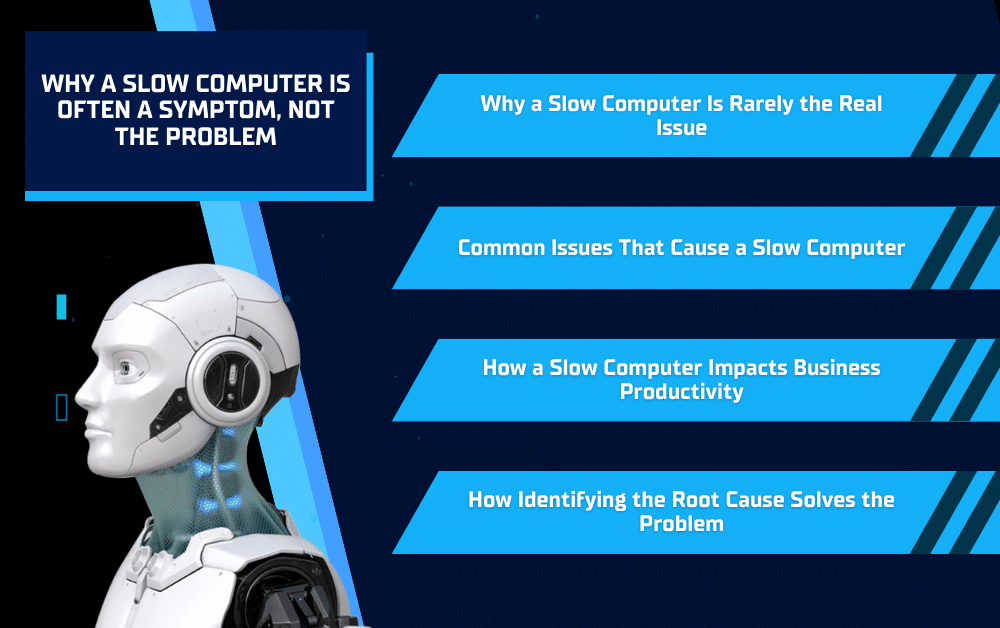
When someone says they have a slow computer, the issue often feels simple. Pages take longer to load, programs lag, and everyday tasks become frustrating. It is tempting to treat slowness as the problem itself, especially when a quick restart or cleanup seems to help for a short time.
In reality, a slow computer is usually a symptom of something deeper happening behind the scenes. Software overload, aging hardware, background processes, or system configuration issues often build up gradually over time. Understanding why performance slows down is the first step toward fixing the real problem and restoring reliable, consistent performance instead of relying on temporary fixes.
Why a Slow Computer Is Rarely the Real Issue
Performance problems are often the result of multiple factors
A slow computer rarely points to a single cause. Performance issues tend to develop gradually as software updates and background processes accumulate over time. Each small change may seem harmless on its own, but together they can place increasing strain on system resources.
Because these issues build up slowly, they are often overlooked until performance noticeably declines. By the time a computer feels slow, several underlying factors are usually contributing at once, making speed a symptom rather than the root problem.
Why restarts and quick fixes only help temporarily
Restarting a computer or closing a few programs can provide short-term relief, which can make it feel like the problem has been solved. In reality, these actions only clear temporary processes and free up resources briefly.
Once the system returns to normal use, the same background issues reappear. Without addressing the underlying causes, performance problems resurface, and the slow computer becomes a recurring frustration instead of a resolved issue.
Common Issues That Cause a Slow Computer
Outdated or overloaded software
Over time, computers accumulate software that runs in the background or launches automatically. Updates add new requirements, older programs may no longer be optimized, and multiple applications can compete for the same system resources. As this builds up, performance gradually slows and everyday tasks take longer than they should.
Ongoing software management helps prevent this kind of slowdown by keeping systems streamlined and properly maintained. This is where Managed Services can play an important role by monitoring software usage, managing updates, and addressing performance issues before they impact productivity.
Hardware limitations and aging devices
Hardware has a direct impact on how responsive a computer feels. As software becomes more demanding, older systems may struggle with limited memory, slower storage, or processors that are no longer well-suited for modern workloads. Even when everything is configured correctly, aging hardware can become a bottleneck.
Identifying when performance issues are hardware-related helps businesses avoid unnecessary troubleshooting and focus on practical solutions, whether that means upgrades or replacement planning.
Background processes and startup overload
Many applications are set to launch automatically when a computer starts. Over time, this creates a crowded startup environment where unnecessary processes consume resources before work even begins. These background tasks often go unnoticed but can significantly affect performance throughout the day.
Reducing startup clutter and monitoring background activity helps restore responsiveness and keeps systems running more efficiently without relying on temporary fixes.
How a Slow Computer Impacts Business Productivity
Lost time and workflow interruptions
When a computer runs slowly, even simple tasks take longer than they should. Waiting for programs to open, files to load, or systems to respond adds up throughout the day. These small delays interrupt focus, slow down workflows, and create frustration during routine work or customer interactions.
Over time, these interruptions reduce overall efficiency and make it harder for teams to stay productive. Addressing performance issues early helps prevent lost time from becoming an accepted part of the workday.
Increased risk of larger IT issues
A slow computer can also signal underlying problems that extend beyond performance. Resource strain, software conflicts, or system instability can increase the likelihood of crashes, errors, or data-related issues if left unresolved.
When performance issues are ignored, they often evolve into larger disruptions that are more time-consuming and costly to resolve. Treating a slow computer as an early warning sign helps businesses address problems before they escalate.
How Identifying the Root Cause Solves the Problem
Assessing performance instead of guessing
When a computer slows down, it is easy to assume the cause without looking at the full picture. Guessing often leads to temporary fixes that do not address what is actually happening inside the system. A proper performance assessment looks at how software, hardware, and system resources are being used together.
By reviewing system health, background activity, and usage patterns, it becomes possible to identify where the real bottlenecks exist. This is where Managed Services help by providing ongoing visibility into system performance and addressing issues before they turn into recurring problems.
Improving performance through targeted solutions
Once the underlying causes are identified, improvements can be made in a focused and practical way. This may include cleaning up unnecessary software, adjusting system settings, or addressing hardware limitations that are affecting performance.
Targeted solutions restore reliability without relying on trial and error. Instead of repeatedly applying quick fixes, businesses can resolve the root problem and maintain consistent performance over time.
Fixing a Slow Computer Starts With Finding the Real Cause
A slow computer is rarely the actual problem. In most cases, it is an early sign that systems are carrying too much strain, running outdated software, or no longer aligned with how the business operates day to day. Treating slowness as a symptom instead of a standalone issue helps prevent recurring frustration and unnecessary downtime. By identifying the root cause behind performance issues, businesses can make smarter decisions about maintenance, upgrades, and system management. Addressing problems early restores reliability, improves productivity, and creates a more stable technology environment over the long term. If your team is dealing with recurring performance issues, Solinkit can help you pinpoint the cause.