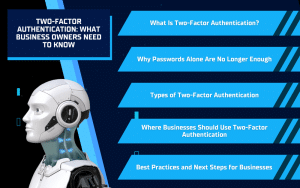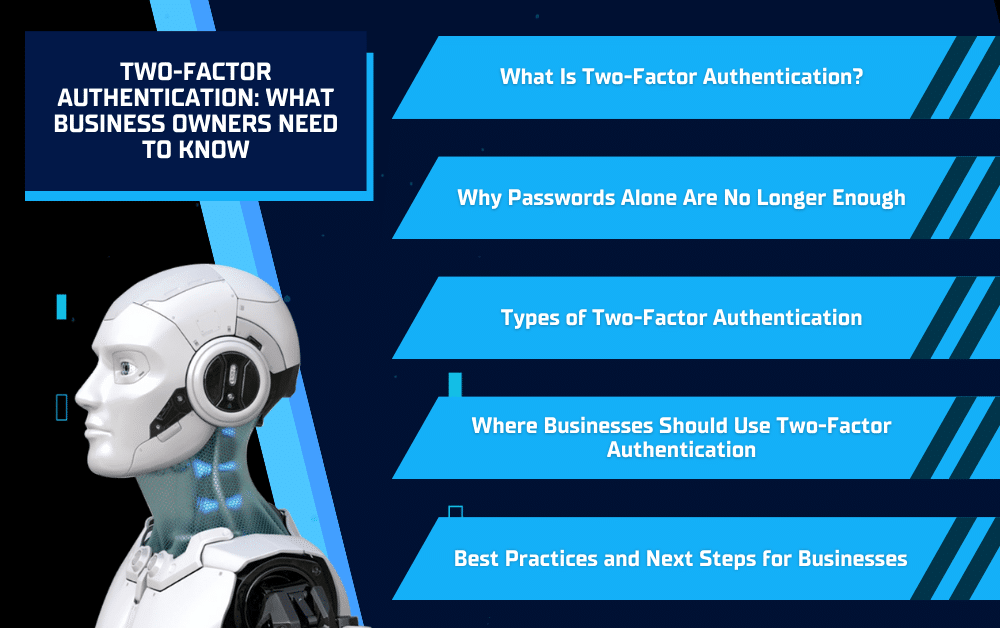
Two-Factor Authentication is one of the simplest and most effective ways businesses can protect their systems, accounts, and data. As more work happens online through email, cloud platforms, and remote access tools, relying on passwords alone is no longer enough. Two-factor authentication adds an extra layer of security that helps prevent unauthorized access even if login credentials are stolen. For business owners, this means fewer security risks, less downtime, and better protection for critical information. At Solinkit, we help businesses implement practical security solutions like two-factor authentication that strengthen protection without slowing teams down.
What Is Two-Factor Authentication?
Two-Factor Authentication is a security process that requires users to verify their identity in two different ways before accessing an account. Instead of logging in with just a password, two-factor authentication adds a second step that confirms the person signing in is actually authorized. This makes it much harder for cybercriminals to gain access, even if a password is stolen or guessed.
In most business environments, two-factor authentication combines something you know, like a password, with something you have or are, such as a temporary code sent to a phone, an authentication app, or a biometric, like a fingerprint. This second factor changes frequently or is tied to a physical device, which prevents attackers from reusing stolen credentials.
For employees, two-factor authentication usually adds only a few seconds to the login process. For businesses, it adds a major layer of protection across critical systems like email, cloud platforms, and remote access tools. When implemented correctly, two-factor authentication strengthens security without disrupting day-to-day operations, which is why Solinkit often recommends it as a foundational step in improving overall cybersecurity.
Why Passwords Alone Are No Longer Enough
How Passwords Are Commonly Compromised
Passwords are frequently stolen through phishing emails, fake login pages, and data breaches. Even strong passwords can be exposed if they are reused across multiple platforms or shared between employees. Once a password is compromised, attackers can often gain access without raising immediate red flags.
The Business Risks of Password-Only Security
For businesses, a single stolen password can lead to serious consequences. Email access can allow attackers to reset other account passwords, impersonate staff, or access financial and customer information. These incidents can result in downtime, lost revenue, and damage to trust.
How Two-Factor Authentication Reduces These Risks
Two-Factor Authentication adds a second verification step that attackers cannot easily bypass. Even if a password is stolen, two-factor authentication can stop unauthorized access before damage occurs. This layered approach significantly reduces risk and is why Solinkit recommends moving beyond password-only security for business systems.
Types of Two-Factor Authentication
Text Message (SMS) Verification
SMS-based two-factor authentication sends a one-time code to a user’s phone after they enter their password. This option is easy to set up and better than having no second factor at all. However, it is not the most secure method since text messages can sometimes be intercepted or redirected. For this reason, SMS is often recommended only when stronger options are not available.
Authentication Apps and Push Notifications
Authentication apps generate time-based codes or send push notifications to a trusted device. These methods are more secure than text messages and are commonly used in business environments. They are also quick and easy for employees to use, which makes them a practical balance between security and convenience. Solinkit frequently helps businesses implement these options across email, cloud platforms, and remote access tools to improve security without disrupting workflows.
Hardware Security Keys and Biometrics
Hardware security keys and biometric options like fingerprints or facial recognition offer an even higher level of protection. These methods require a physical device or unique personal identifier to log in, making them very difficult for attackers to bypass. While not necessary for every system, they are often recommended for administrative accounts or systems that handle highly sensitive data.
Where Businesses Should Use Two-Factor Authentication
Email and Cloud Platforms
Email is often the first system attackers target because it can be used to reset passwords for other accounts. Enabling two-factor authentication on business email and cloud platforms adds critical protection and helps prevent unauthorized access to sensitive files, communications, and shared data. This is typically the most important place for businesses to start.
Financial, Administrative, and Remote Access Systems
Systems that handle payments, accounting, payroll, and administrative functions should always be protected with two-factor authentication. The same applies to remote access tools such as VPNs or remote desktop connections. These systems provide direct access to business operations, making them high-value targets for cybercriminals.
Internal Systems and Administrative Accounts
Administrative and management-level accounts often have broader access than standard user accounts. Protecting these with two-factor authentication helps prevent larger security incidents that can impact the entire organization. Solinkit works with businesses to identify which systems and accounts should be prioritized to reduce risk across the network.
Best Practices and Next Steps for Businesses
Choosing the Right Two-Factor Authentication Method
Not all two-factor authentication methods provide the same level of security. Businesses should understand the differences so they can choose options that fit their environment. Authentication apps and push notifications generally offer stronger protection than text messages while still being easy for employees to use. The goal is to select a method that improves security without creating unnecessary friction in daily work.
Addressing Employee Concerns and Usability
A common concern is that two-factor authentication will slow employees down or be difficult to manage. In practice, most methods add only a few seconds to the login process. Clear instructions, simple onboarding, and planning for backup access, such as recovery codes or secondary devices, help reduce confusion and prevent disruptions.
When to Involve IT Support
Implementing two-factor authentication requires more than simply turning it on. Proper configuration, consistent policies, and employee guidance are important for long-term success. IT support can help businesses apply two-factor authentication correctly across systems, avoid misconfigurations, and ensure it aligns with overall security goals. Solinkit works with businesses to manage these details so security improvements support operations rather than interrupt them.
Conclusion
Two-Factor Authentication is one of the most effective steps businesses can take to improve security without adding unnecessary complexity. As cyber threats continue to target email, cloud platforms, and remote access systems, relying on passwords alone leaves businesses exposed. Implementing two-factor authentication helps reduce the risk of unauthorized access, protects sensitive data, and supports more secure day-to-day operations.
If you’re unsure where to start or want to make sure two-factor authentication is set up correctly across your business, Solinkit can help. Our team works with businesses to assess current systems, implement the right security solutions, and ensure everything runs smoothly.
Learn more or request support at solinkit.com