Passwords are one of the most important tools employees use to protect company systems, data, and communication. A single weak or reused password can give attackers access to email accounts, files, and critical business systems, often without anyone realizing it right away. That’s why password security is not just an IT concern, but a shared responsibility across the entire organization. Understanding how to create strong passwords and avoid common mistakes helps protect both individual accounts and the business as a whole.
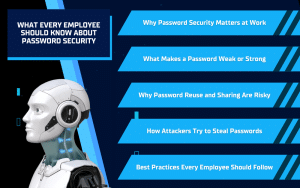
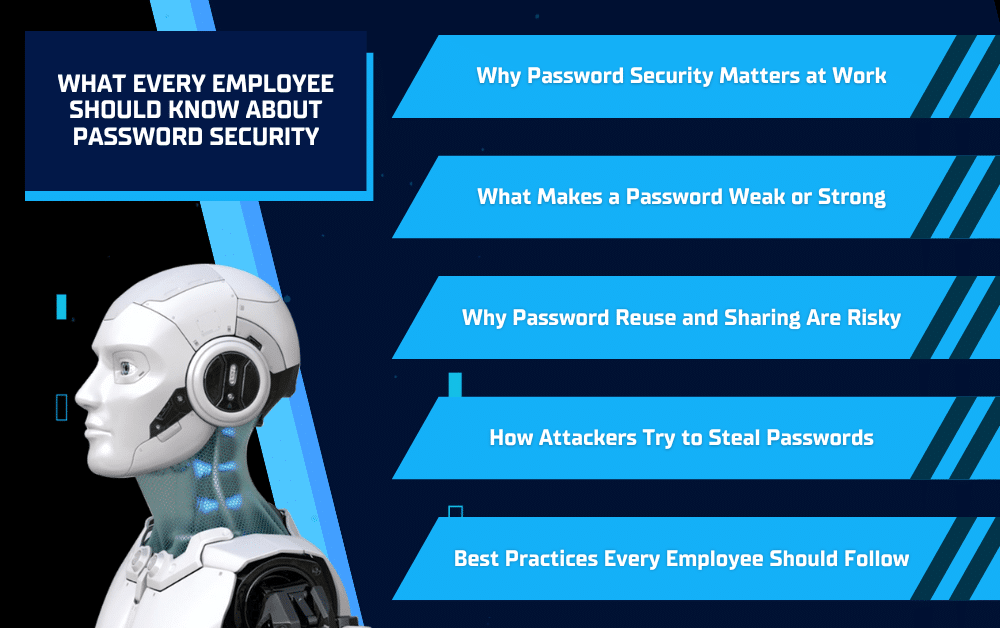
Why Password Security Matters at Work
At work, passwords protect more than just individual accounts. They safeguard company email, internal documents, customer information, and business systems that keep daily operations running. When a password is compromised, attackers can often move quickly and quietly, accessing information or sending messages that appear to come from a trusted employee.
Many cyber incidents begin with a single stolen password, often obtained through phishing or reused credentials from a personal account breach. Once attackers gain access, the impact can range from data exposure and financial loss to operational downtime. By understanding why password security matters and following best practices, employees help reduce risk and protect the business as a whole.
What Makes a Password Weak or Strong
Not all passwords offer the same level of protection. Some passwords are easy for attackers to guess or crack, while others make it much harder to gain unauthorized access. Knowing the difference helps employees make better choices when creating or updating passwords at work.
What a Weak Password Looks Like
Weak passwords are often short, predictable, or tied to personal or company-related information. Examples include simple sequences, common words, names, birthdays, or passwords that include the company name or job role. These types of passwords are commonly targeted because they are easy for attackers to guess using automated tools.
Common Password Mistakes to Avoid
Many password-related breaches happen because the same password is reused across multiple accounts or only slightly modified from one login to another. Saving passwords in unsecured notes, documents, or browsers without proper protection can also expose credentials if a device is compromised.
What a Strong Password Looks Like
Strong passwords are long, unique, and difficult to guess. Using a passphrase made up of several unrelated words is often more secure than a short, complex password. Each work account should have its own unique password so that if one account is compromised, others remain protected.
Why Password Reuse and Sharing Are Risky
Reusing or sharing passwords may seem convenient, but it significantly increases security risk. When the same password is used across multiple accounts, a single breach can give attackers access to far more than intended. This is especially risky when personal accounts are compromised and the same password is used at work.
The Risk of Reusing Passwords
Attackers often test stolen usernames and passwords across many platforms, including email, cloud tools, and business systems. If a reused password works, they can gain access without triggering immediate alarms. Reusing passwords turns one mistake into a much larger security issue.
The Danger of Sharing Passwords
Sharing passwords removes accountability and makes it harder to control who has access to systems. Even well-intentioned sharing, such as helping a coworker or vendor, can expose sensitive information. Passwords should never be shared through email, text, or chat, and access should always be granted through proper, approved methods.
How Attackers Try to Steal Passwords
Attackers rarely try to guess passwords one by one. Instead, they use deceptive tactics designed to trick employees into giving passwords away without realizing it. These methods are often subtle and can look like normal workplace communication.
Phishing and Fake Login Pages
One of the most common methods is phishing. Employees may receive emails or messages that look like password reset requests, shared documents, or security alerts from trusted platforms. These messages often link to fake login pages that closely resemble real ones. When a password is entered, it is immediately captured by the attacker.
IT and Support Impersonation Scams
In some cases, attackers pretend to be part of an IT or security team. These messages may claim there is an urgent issue with an account and request login information to “fix” the problem. Legitimate IT teams will never ask employees to share passwords, and any message that does should be treated as suspicious.
Best Practices Every Employee Should Follow
Strong password security comes down to a few consistent habits. When employees follow these best practices, they help protect not only their own accounts, but the entire organization.
Use Multi-Factor Authentication (MFA)
Multi-factor authentication adds an extra layer of protection by requiring more than just a password to log in. Even if a password is stolen, MFA helps prevent unauthorized access by verifying that the person signing in is actually the account owner.
Employees may encounter different types of MFA depending on the system or device being used.

Employees should only approve MFA prompts they personally initiate. Unexpected codes or approval requests may indicate someone else is trying to access the account and should be reported to IT immediately.
Use Password Managers When Approved
Password managers help create and securely store strong, unique passwords for each account. When approved by the company, they reduce the need to remember multiple passwords and lower the risk of password reuse or weak password choices.
Handle Passwords Securely
Passwords should never be shared with coworkers, vendors, or external contacts. They should not be sent through email, text, or chat, or written down in unsecured places. If access is needed, it should be granted through proper systems and permissions.
Report Suspicious Activity Immediately
Unexpected login alerts, password reset messages, or access requests should be reported as soon as possible. Prompt reporting allows IT to respond quickly and limit potential damage before it becomes a larger issue.
Conclusion
Password security plays a critical role in protecting company systems, data, and day-to-day operations. Simple habits like using strong, unique passwords, enabling multi-factor authentication, and staying alert for suspicious activity can significantly reduce the risk of unauthorized access.
When employees understand why password security matters and how to follow best practices, they become an important part of the company’s overall security strategy. With the right tools, guidance, and support in place, businesses can reduce risk, respond faster to threats, and keep their systems secure.
Solinkit helps businesses put these protections into practice by strengthening account security, implementing proven security tools, and providing expert IT support. If you’re looking for a trusted partner to help protect your systems and support your team, contact Solinkit to learn more about their managed IT services.