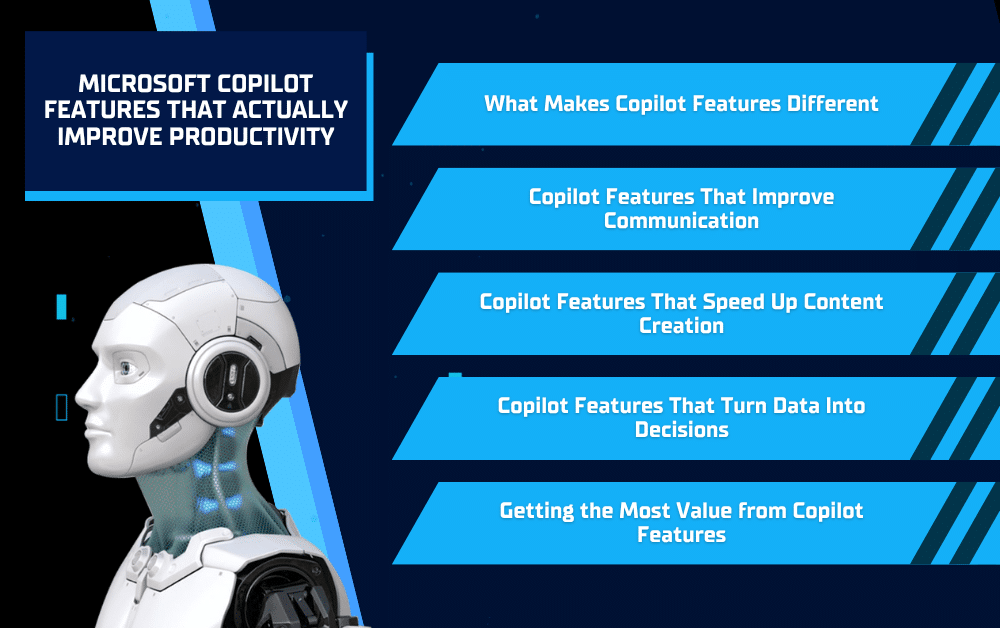
Microsoft Copilot is quickly becoming one of the most talked-about tools in business technology, but not all AI tools are created with productivity in mind. What sets it apart is how seamlessly it integrates into the platforms teams already use every day, from email and meetings to documents and data analysis. Instead of adding another tool to learn, Copilot enhances the ones you already rely on, helping you work faster and more efficiently. In this blog, we’ll break down the Copilot Features that actually improve productivity and how businesses can use them to get more done with less effort.
What Makes Copilot Features Different
Built Into Microsoft 365 Tools
Unlike standalone AI platforms, Copilot is embedded directly into tools like Word, Excel, Outlook, and Teams. This means users don’t have to switch between apps or copy and paste information to get results. Everything happens within the platforms they already use, making adoption easier and workflows more efficient.
Context-Aware Intelligence
One of the most powerful Copilot Features is its ability to understand context. It pulls information from emails, documents, meetings, and chats to provide more accurate and relevant responses. Instead of generic outputs, users get insights that are tailored to their specific work environment.
Designed for Real Workflows
Copilot isn’t just built to generate content, it’s designed to help complete real business tasks. Whether it’s summarizing a meeting, drafting a report, or analyzing data, it focuses on actions that directly impact productivity. This makes it a practical tool for day-to-day operations rather than just a novelty feature.
Copilot Features That Improve Communication
Email Drafting and Summaries in Outlook
Managing email can take up a significant portion of the workday, especially when dealing with long threads or complex conversations. Copilot helps by drafting responses based on simple prompts, allowing users to reply faster without sacrificing clarity. It can also summarize lengthy email chains, pulling out key points so you don’t have to read through every message. This makes it easier to stay on top of communication and respond with confidence.
Meeting Recaps and Action Items in Teams
Meetings often lead to scattered notes, missed details, or unclear next steps. Copilot eliminates that problem by automatically generating summaries, highlighting key decisions, and outlining action items. Team members can quickly review what was discussed without rewatching recordings or relying on manual notes. This keeps everyone aligned and ensures important follow-ups don’t fall through the cracks.
Copilot Features That Speed Up Content Creation
Writing and Editing in Word
Creating content from scratch can be time-consuming, especially when you’re starting with a blank page. Copilot helps by generating drafts based on simple prompts, giving users a strong starting point that can be refined instead of built from the ground up. It can also rewrite existing content for clarity, adjust tone, and summarize longer documents, making it easier to produce polished, professional material in less time.
Presentation Creation in PowerPoint
Building presentations is another task that often takes longer than expected. Copilot streamlines this process by turning notes, outlines, or even full documents into structured slide decks. It suggests layouts, creates talking points, and organizes information in a way that’s ready to present, reducing the time spent formatting and structuring content.
- Generate outlines instantly from simple prompts
- Create slides directly from existing documents
- Refine messaging and improve clarity quickly
Copilot Features That Turn Data Into Decisions
Natural Language Analysis in Excel
Working with data no longer requires advanced formulas or deep Excel expertise. Copilot allows users to ask questions in plain language, such as identifying trends, comparing performance, or summarizing key metrics. It translates those requests into meaningful insights, making data analysis more accessible to everyone on the team.
Automated Insights and Visuals
Beyond answering questions, Copilot can generate charts, highlight patterns, and surface trends that might otherwise go unnoticed. Instead of spending time building reports manually, users can quickly visualize their data and focus on making informed decisions. This not only speeds up reporting but also helps businesses act on insights faster.
Getting the Most Value from Copilot Features
Training Your Team for Adoption
Even the most powerful tools won’t deliver results if your team doesn’t know how to use them effectively. Providing training on how to use Copilot in daily tasks helps employees feel confident and encourages consistent usage. The more your team understands what Copilot can do, the more value you’ll get from it.
Integrating Copilot Into Daily Workflows
Copilot works best when it becomes part of your everyday processes, not just something you use occasionally. Encouraging teams to use it for emails, meetings, reporting, and content creation ensures it delivers real productivity gains. Over time, these small efficiencies add up to significant time savings.
Partnering with an IT Provider
Implementing Copilot correctly involves more than just turning it on. Businesses need to consider security, permissions, and how it connects to their existing systems. Working with an IT provider like Solinkit ensures everything is set up properly and optimized for your organization, so you can get the most out of Copilot Features from day one.
Conclusion
Copilot Features are changing the way businesses approach productivity by simplifying everyday tasks, improving communication, and turning information into actionable insights. Instead of adding complexity, Copilot enhances the tools your team already uses, helping you work smarter and more efficiently across the board. From emails and meetings to content creation and data analysis, the impact is immediate and practical. If you’re looking to implement Microsoft Copilot and ensure your team gets real value from it, Solinkit can help. From setup and security to training and ongoing support, their team can guide you through every step so you can start seeing productivity gains right away.