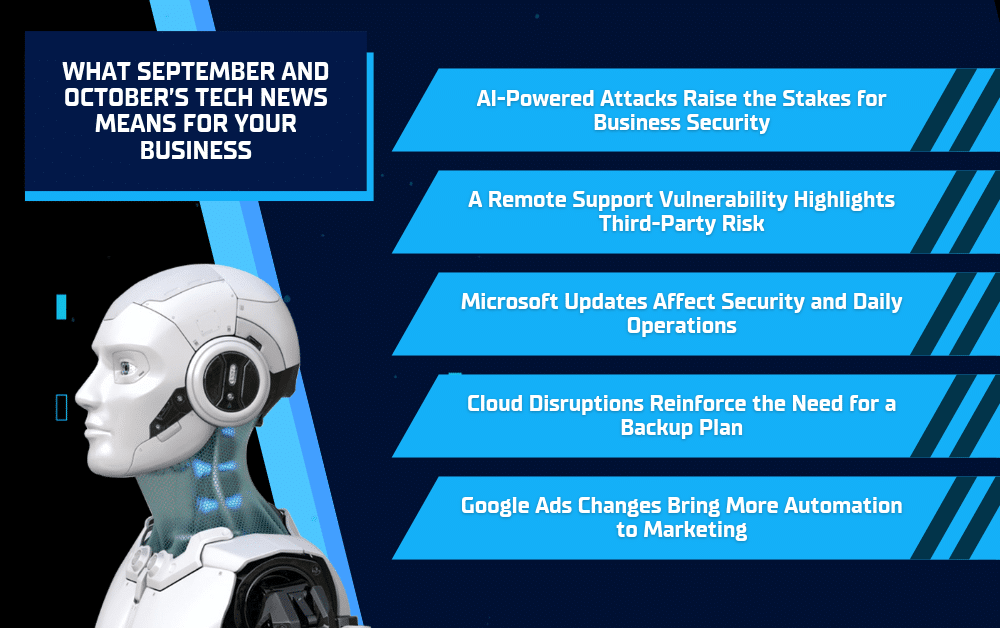
A security warning, a Windows update, or a cloud outage can affect your business even if you rarely follow tech news. September and October 2026 brought developments worth reviewing, from AI-assisted cyberattacks and remote support vulnerabilities to changes in online advertising.
Understanding these headlines can help you ask better questions about the technology your business relies on. Here’s a look at several key developments through October 19, what they could mean for your daily operations, and practical steps to discuss with your IT or marketing provider.
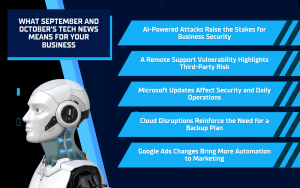
AI-Powered Attacks Raise the Stakes for Business Security
What Happened
In October 2026, Reuters reported on a hacking campaign that used AI agents to investigate websites and attempt intrusions. The campaign began September 25 and targeted more than 1,200 sites, successfully compromising over 100, according to the researcher’s findings. Smaller businesses were among the victims.
The report highlights how AI can help criminals carry out time-consuming work, such as searching for vulnerabilities and testing ways to exploit them.
What It Means for Your Business
For business owners following tech news, the practical concern is that attackers can investigate more targets with less manual effort. An outdated website component or exposed system could create an opportunity, even if your company has never been specifically targeted.
Use this development as a reason to review a few basics with your providers:
- Confirm maintenance responsibilities: Know who updates your website, applications, and business devices.
- Review security monitoring: Ask how suspicious activity is detected and who responds to alerts.
- Address outstanding updates: Identify known security fixes that have not yet been applied.
A Remote Support Vulnerability Highlights Third-Party Risk
What Happened
On October 15, Google warned about a vulnerability in BeyondTrust Remote Support, software IT teams use to access and troubleshoot devices remotely. Successful exploitation could expose credentials and allow attackers to take control of affected systems. Google urged organizations to patch or mitigate the vulnerability promptly.
This tech news highlights why businesses need visibility into the tools their IT providers use. Software that helps support your operations also needs regular security maintenance.
Questions to Ask Your IT Provider
Your business may not use the affected product, but the warning provides a useful opportunity to review remote access with your provider:
- Do we use the affected software? Confirm whether it is used internally or by your support provider.
- Have applicable fixes been installed? Ask whether affected systems have been patched or otherwise secured.
- Who has remote access? Review employee and vendor permissions, including accounts that are no longer needed.
- How is access protected? Discuss multifactor authentication, access restrictions, and monitoring.
Clear answers help you understand how outside support connects to your business and who is responsible for keeping those connections secure.
Microsoft Updates Affect Security and Daily Operations
What Changed
Microsoft’s October 13 updates included security improvements and fixes for issues affecting certain business environments. For Windows 11 version 26H1, these included problems with VPN connections, virtual desktop sign-ins, and storage availability. Microsoft also documented a Remote Desktop connection issue affecting some configurations. The applicable fixes and known issues depend on your Windows version and setup.
Why Update Management Matters
For an employee working remotely, a connection problem can mean losing access to files or applications needed to serve customers. Updates that address these issues can support productivity alongside security.
This tech news reinforces the value of a managed update process. Your IT provider should review applicable fixes, check known issues, and schedule installation around your operations. Testing critical applications and confirming that updates installed successfully can help your business stay protected while limiting unexpected interruptions.
Cloud Disruptions Reinforce the Need for a Backup Plan
What Happened
Between September 30 and October 1, Microsoft Azure experienced a connectivity disruption affecting a subset of customers using gateway services across multiple regions. Those customers experienced degraded or interrupted network connectivity.
For business owners, this tech news highlights a dependency: access to cloud applications relies on infrastructure beyond your own office network.
Could Your Team Keep Working?
If a cloud service becomes unavailable, your employees may lose access to scheduling tools, customer information, or shared files. Having a backup of your data does not necessarily mean your team can immediately resume work. Business continuity planning also addresses how essential tasks will continue while a service is down.
Review these preparations with your team:
- Identify essential applications: Determine which unavailable services would interrupt customer service or daily work.
- Establish temporary procedures: Decide how employees will track requests and communicate during an outage.
- Keep support details accessible: Make provider contact information available outside the affected systems.
- Review recovery arrangements: Understand what your backups protect and how long restoration could take.
A clear plan gives employees a starting point when the tools they depend on become unavailable.
Google Ads Changes Bring More Automation to Marketing
What Changed
Google announced that eligible Search campaigns using Automatically Created Assets or the campaign-level broad match setting would begin automatically upgrading to AI Max in September 2026. These changes introduce more AI-driven capabilities into how affected campaigns match searches and create advertising content.
Google’s updated announcement also moved the separate Dynamic Search Ads sunset and automatic upgrade to February 2027. Businesses should check their account notifications to understand which changes apply to their campaigns.
What Business Owners Should Review
For businesses investing in Google Ads, this tech news is a reason to review campaign settings with their marketing provider. Ask whether your campaigns have changed, what automation is enabled, and how its performance is being evaluated.
Pay attention to the quality of inquiries and sales generated alongside clicks and impressions. Accurate conversion tracking helps your marketing team assess whether campaigns produce valuable customer actions. Reviewing spending, search activity, and lead quality can help you determine whether the changes support your business goals.
Turn Technology Headlines Into Practical Next Steps
September and October’s tech news offers several reasons to review the systems your business depends on. Confirming security updates, checking remote access, and planning for service interruptions can help you turn those headlines into useful action.
Solinkit’s managed IT services include proactive monitoring, cybersecurity, and backup and recovery support. Contact Solinkit to discuss your technology needs and identify where your business should focus next.